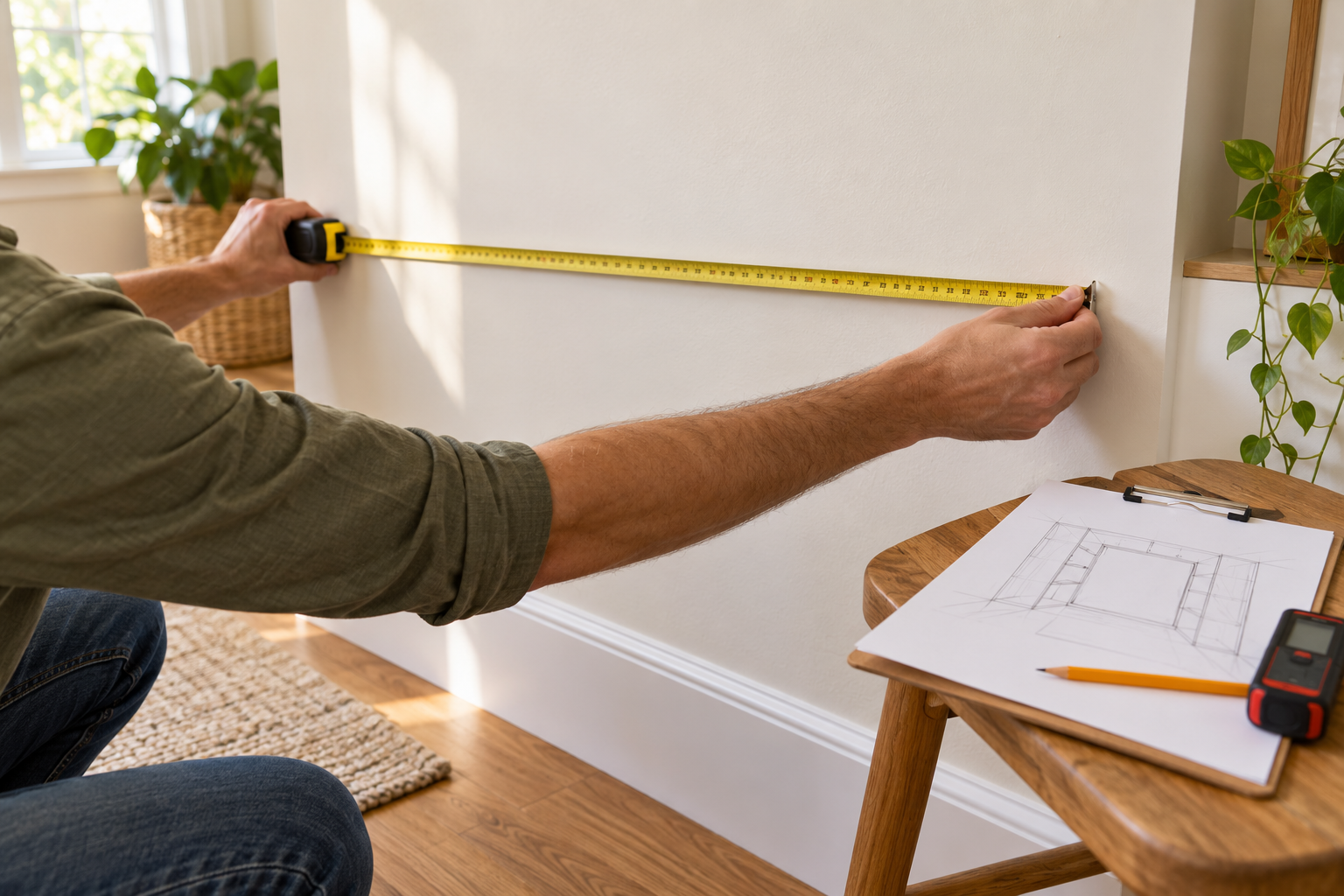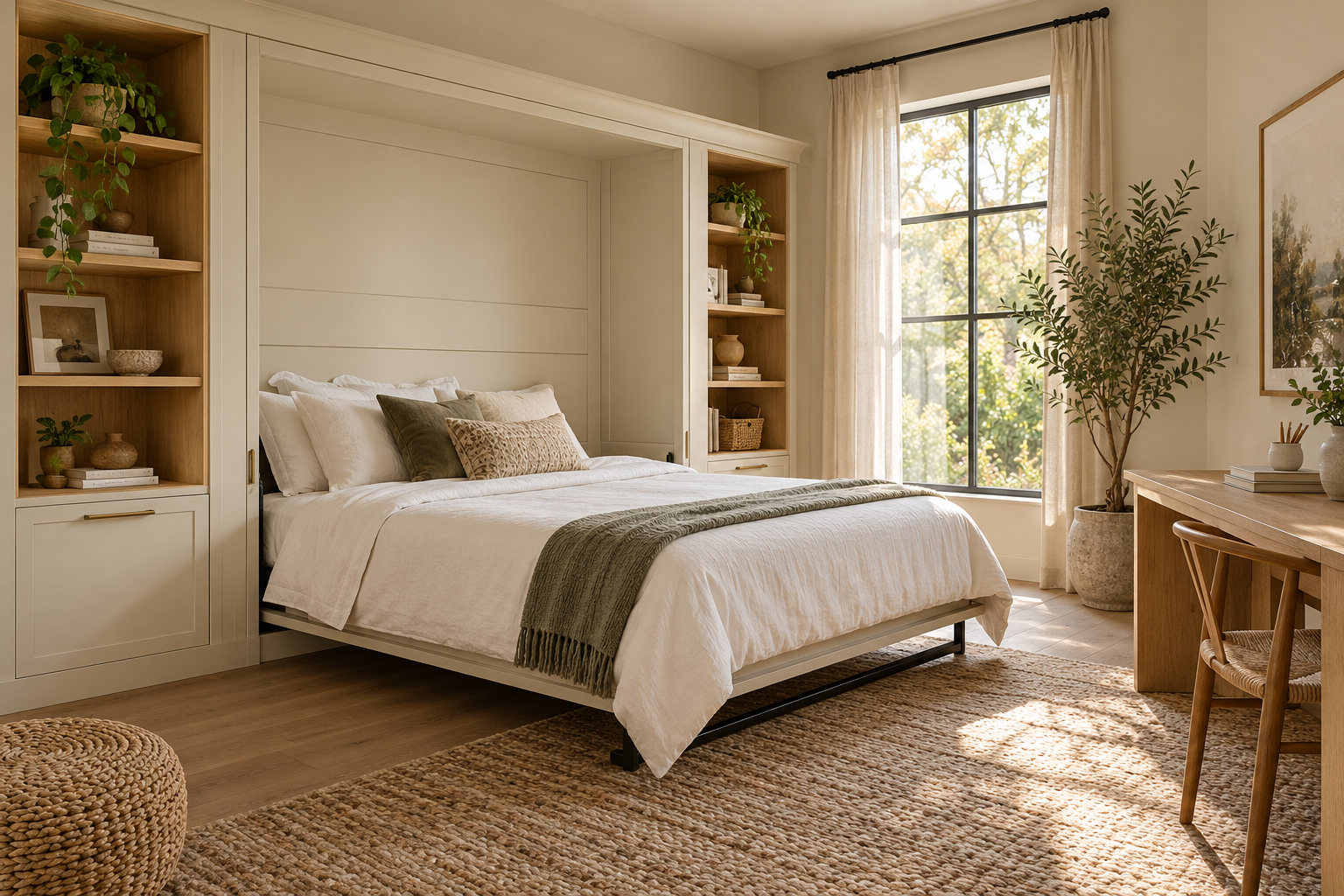
Start with the room’s everyday job
Think about how you use the room when nobody is sleeping there. A home office needs workspace. A guest room might need accessible drawers and book storage.
Write down what must stay usable with the bed closed and what must move before it opens. That short list will help you choose useful modules.
Place the bed before adding storage
Choose your mattress size and orientation in the designer. Then compare a bed-only arrangement with one of the starting layouts.
Add columns to the left or right for shelves, drawers, or a desk. Use the upper add control for compatible overhead storage. Review the overall width after each addition.
Make neighboring columns feel intentional
Matching heights and depths can make separate modules read as one built-in. Select a column and use the matching controls to compare it with another.
Try the front view for alignment and the top view for depth. Use Undo to compare an earlier choice. A tidy elevation is useful, but it is not proof of structural suitability.
Review the bed open and closed
Use the opening slider and view controls to inspect your arrangement. Check where desks, cushions, and other furniture must move.
Bunk, desk, and sofa arrangements need compatible mechanisms and a review of their specific safety requirements. The visualization does not certify moving clearances or safe operation.
Save your design when you have an arrangement worth keeping. You can keep up to three designs in your account.
Ready to try a layout?
Start my design